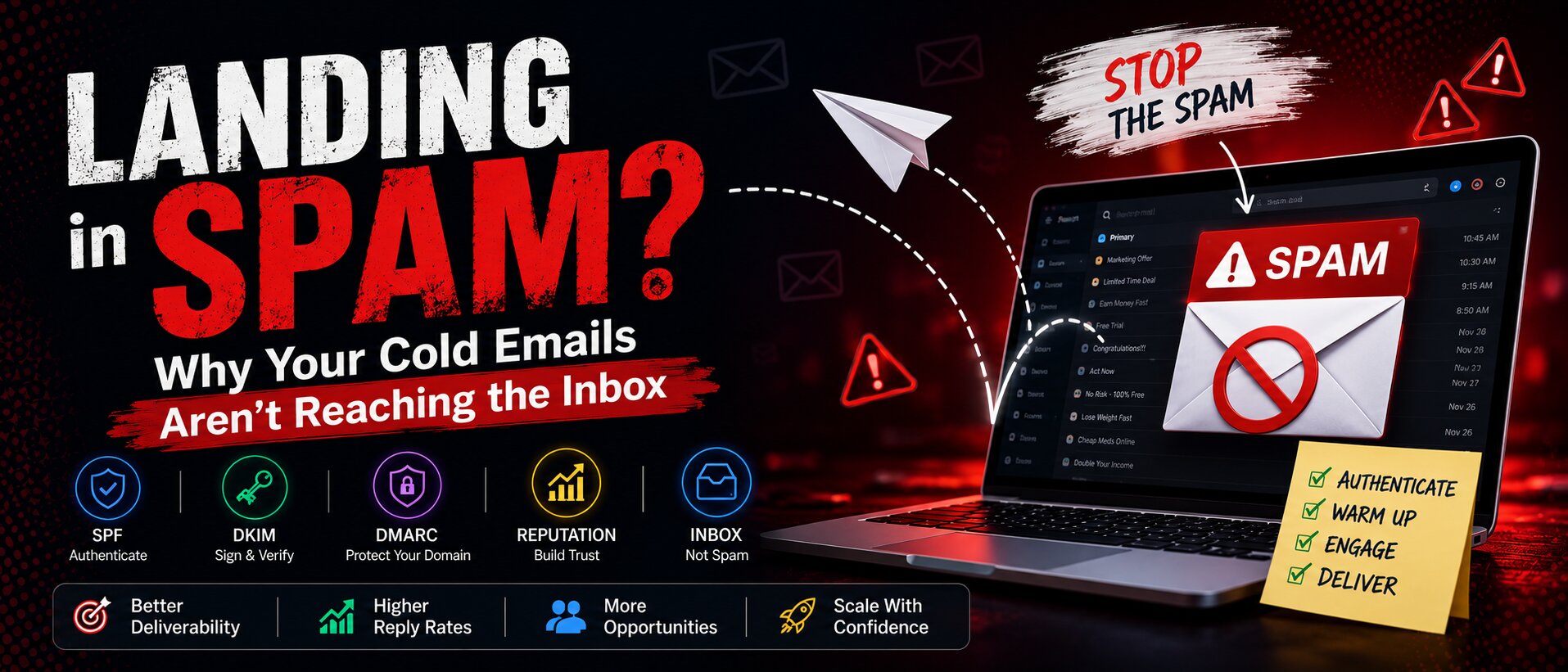
LANDING in SPAM? Why Your Cold Emails Aren't Reaching the Inbox
By Hassan Kamran • 2025-12-01 • 12 min read
Landing in spam is one of the biggest challenges in cold outreach. Even with a highly personalized message and a targeted list, your email may never reach the inbox if your technical setup or sending behavior is not optimized. Modern email providers like Gmail, Outlook, and Yahoo use advanced filters, machine learning models, and engagement signals to determine whether your message is trustworthy. Cold emails naturally raise more suspicion because they are sent to recipients who have not opted in. This article explains why cold outreach campaigns land in spam and how to fix every major cause. The goal is to help you build a highly technical and SEO friendly understanding of email deliverability, covering everything from SPF, DKIM, DMARC, and MX Records to warmup, domain rotation, sending habits, and content structure.
How Modern Spam Filters Work
Modern spam filters are far more advanced than they were years ago. Email providers use machine learning algorithms that analyze sender reputation, authentication protocols, content patterns, IP history, and user engagement. Filters also look at how users interact with your emails. If people delete your email without reading it, mark it as spam, or never open it, the provider begins to see your domain as a low quality sender. This is especially common in cold outreach since sending large volumes to unengaged recipients creates negative signals across the board.
Technical Reasons Cold Emails Land in Spam
Technical issues are the leading cause of cold outreach campaigns ending up in spam. Even the best content cannot perform if your domain lacks proper authentication or reputation. Below are the most common technical problems that hurt deliverability and how they work.
SPF Misconfiguration
SPF or Sender Policy Framework identifies which mail servers are authorized to send emails on your behalf. If your domain has no SPF record or an invalid one, email providers cannot verify your identity. Typical mistakes include having more than one SPF record, missing your outreach provider inside the record, syntax errors, or exceeding the SPF lookup limit. A properly configured SPF tells inbox providers that your emails are legitimate and reduces the chance of soft or hard fails.
DKIM Not Set Up or Not Validating
DKIM or Domain Keys Identified Mail adds a cryptographic signature to your outgoing messages. This signature confirms that the email has not been altered in transit and verifies the identity of the sender. Without DKIM, your emails appear less trustworthy and more likely to reach spam. Many businesses forget to activate DKIM for every sending provider or use incorrect DNS keys, which results in failed signatures and lower deliverability.
DMARC Missing or Not Aligned
DMARC or Domain Based Message Authentication Reporting and Conformance works on top of SPF and DKIM. It defines how providers should handle authentication failures and requires alignment between the domain in the from address and the domain used in SPF or DKIM. If DMARC is missing or misconfigured, inbox providers cannot confirm your identity. This reduces domain trust and increases spam placement. Starting with a none policy allows for monitoring before moving to quarantine or reject.
MX Record Issues
MX records indicate where incoming emails should be delivered. While MX records do not directly affect sending, they are used by email providers to verify that your domain is configured correctly. A domain without valid MX records or with outdated entries appears suspicious. Ensuring proper MX record setup helps establish domain legitimacy and improves reputation.
Low Domain Reputation
Domain reputation is one of the most important factors for deliverability. New domains and domains with poor history are often treated as risky. High bounce rates, spam complaints, low engagement, and inconsistent sending patterns quickly damage reputation. Once the domain reputation drops, inbox providers begin silently filtering messages into spam or blocking them entirely. Building and maintaining domain reputation requires proper warmup, consistent sending, clean lists, and authenticated DNS settings.
Low IP Reputation
Many cold email platforms use shared IP addresses. If other senders on the same IP abuse the network or send spam, your deliverability suffers. Dedicated IPs also require consistent high volume to maintain positive reputation. Low volume on a dedicated IP can cause negative scoring. IP reputation is evaluated by email providers to determine how trustworthy your traffic is.
Behavioral Factors That Trigger Spam Filters
Even with perfect DNS and authentication, your behavior can still send your emails to spam. Providers closely monitor sending patterns, frequency, and user engagement. Cold outreach often triggers negative behavioral signals when not done correctly.
Sending Too Many Emails Too Quickly
High volume from a new or recently created account is a major red flag. Sending hundreds of emails per day without warmup tells providers that the sender may be a spammer. Gradual volume increases are essential, starting small and growing week by week.
Sending From a New or Dormant Domain
New domains have no sending history, and dormant domains lose their reputation over time. Providers treat both scenarios with caution until trust is rebuilt. Starting outreach immediately with a new domain often leads to spam. Warming the domain is essential to demonstrate trustworthy behavior.
No Warmup Period
Domain and inbox warmup is the process of gradually ramping up sending volume to build positive engagement and history. Without warmup, inbox providers see sudden volume spikes as suspicious and respond with aggressive filtering. Warmup also generates replies, opens, and interactions that build sender reputation.
High Bounce Rates From Low Quality Lists
Sending emails to invalid or outdated addresses leads to hard bounces. A bounce rate above two percent is considered risky. High bounce rates indicate poor list quality and suggest spamlike behavior. Always validate your list before sending using services like ZeroBounce, Dropcontact, or NeverBounce.
Spam Complaints From Recipients
Spam complaints are one of the most damaging signals for deliverability. Even a single complaint in one thousand emails can reduce domain reputation. An unsubscribe line and proper targeting reduce complaint rates significantly.
Content Based Factors That Cause Spam Placement
The content of your email is another major factor in determining inbox placement. Providers scan your email for spam patterns, formatting issues, and intent. Even if your technical setup is perfect, your message content can still land in spam.
Using Spam Trigger Keywords
Certain keywords and phrases are commonly associated with spam. Examples include free trial, buy now, guaranteed, income, and similar sales focused language. Using such terms in cold outreach increases spam probability. Keep your messaging conversational and relevant.
Using Too Many Tracking Links
Open tracking pixels, link tracking, and redirect links create risk because they rely on external servers. Providers often flag heavily tracked emails as promotional or spam. For cold outreach, minimize or remove tracking entirely.
Sending Attachments or Multiple Links
Attachments often trigger spam filters, especially PDFs or images. Multiple links inside an email also raise suspicion. A clean text only message is the safest for cold outreach.
Lack of Personalization
Template style emails look like bulk outbound messages. Providers classify bulk content differently and often route it to spam or promotions. Personalization improves engagement and helps your domain reputation by creating positive user signals.
Fixing Deliverability With Technical Setup
Fixing your technical infrastructure is the first step in improving deliverability. Once DNS, authentication, and records are properly configured, inbox providers can clearly verify your identity and trust your domain.
Setting Up SPF
A valid SPF record confirms that your sending provider is authorized. Ensure you only have one SPF record in your DNS zone and that it includes all necessary providers.
Configuring DKIM
DKIM must be enabled for every provider used to send mail. Add the DKIM DNS keys and test for valid signatures before launching campaigns.
Configuring DMARC
DMARC adds an additional layer of authentication. Start with a none policy to monitor activity, then move to quarantine and finally reject. This progression protects your domain while allowing time to fix issues.
Validating MX Records
Ensure that MX records point to your correct email provider and that no outdated records remain in the DNS zone.
Warmup Strategies for Better Deliverability
Warmup prepares your domain and mailbox for cold outreach. It demonstrates positive behavior to email providers and builds trust. A structured warmup process significantly reduces spam placement.
- Start with five to ten emails per day to real recipients.
- Gradually increase volume each week.
- Use warmup tools such as Instantly, Warmup Inbox, or Snov.io.
- Maintain consistent sending patterns.
- Monitor bounce rates and engagement metrics.
Using Domain Rotation
Larger campaigns often require multiple domains. Domain rotation spreads volume across several domains and prevents one domain from being overloaded. Each domain must be warmed individually with its own inboxes. A safe sending limit is around fifty to seventy emails per inbox per day.
Monitoring Inbox Placement
Monitoring deliverability helps identify issues early. Tools like Mailreach, GlockApps, Warmy, and Google Postmaster Tools provide insights into domain reputation, IP trust, authentication status, spam placement, and ISP feedback. Regular monitoring allows you to take corrective action before problems escalate.
Content and Strategy Best Practices
After technical setup and warmup, your outreach strategy matters. Providers evaluate engagement and patterns. High quality content and proper timing help maintain a strong sender reputation.
- Keep emails short, simple, and text based.
- Avoid unnecessary links or attachments.
- Use a plain text signature without images.
- Add an unsubscribe line to reduce complaints.
- Send at consistent times and avoid sudden spikes.
- Validate your leads before sending.
Conclusion
Cold outreach is powerful, but only when your emails reach the inbox. Landing in spam is usually the result of multiple combined factors that include technical setup, domain reputation, sending behavior, and content structure. With proper SPF, DKIM, DMARC, and MX configuration, consistent warmup, domain rotation, clean list practices, and personalized content, you can significantly improve deliverability. A thoughtful and well optimized outreach system protects your domain, increases engagement, and helps you scale sustainably. For additional insights on creating effective outreach systems, explore the features section of our platform and review our process in the How It Works page.
Enjoyed this article? Explore more posts or book a demo.